WebXR · Meta Quest 3 and 3S
A free VR game in your Meta Quest browser
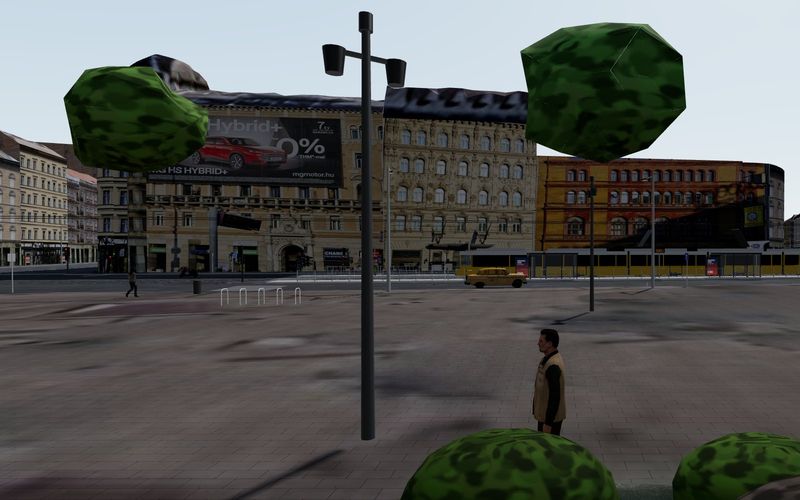
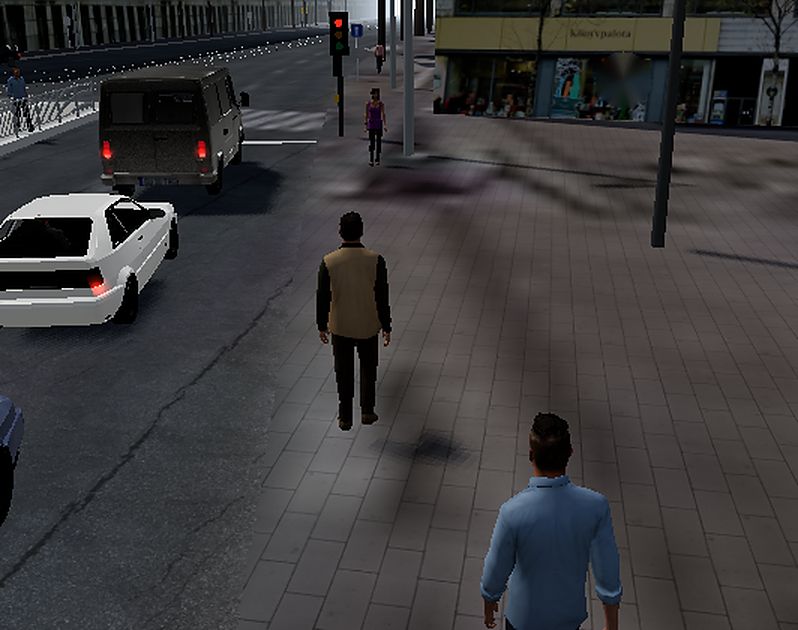
Négyhatos is a WebXR game: put on your Meta Quest, open negyhatos.com in the headset’s browser and press Play. There’s no store page and nothing to install — a few seconds later you’re standing at the tram stop on Blaha Lujza tér in first person, with your own two hands in front of you.
Free · plays in your browser · phone, PC and VR · 12+
From the browser to VR in one press
Open the Quest’s own browser, type negyhatos.com and sign in. In a headset the game’s first screen has a single button, Play in VR, and pressing it takes you straight into the city — no switching modes, no extra menus. Your real head moves the camera, and if you take a step in your play area, you take a step in Budapest too.
Typing a password with a controller is nobody’s idea of fun, so there’s a shortcut: sign in on your phone first, open Menu → Your sign-in QR next to your nickname, and in the headset choose “Sign in with a code from your other device” and type its six letters. Signing in with Google in the headset works too. The first start loads the streets round Blaha, so Wi-Fi helps; the browser keeps the files, and the next start is quicker.
Your hands, your fists
Your virtual hands hold the controllers the way you do and follow them wherever they go. A fight is a real fight: the right trigger throws a punch, but you can also simply swing — a fast swing of your hand at someone lands the blow, with the knife as well. Pick up the pistol and it sits in your hand along the controller’s line, so the sights are where you point; the left trigger aims, the right one fires.
- Left stick — walk where you look; press it to run.
- Right stick — turn in 30° steps; down to crouch, up to jump, press for the next weapon.
- Grip — the action button: doors, cars, shops, chairs, and the red emergency-brake handle on a tram.
- A jumps, B goes back (hold it for the menu), X brings out the phone, Y talks.
Both hands on the wheel
Get into a car with the grip and you’re in the driver’s seat, looking out through the windscreen from the driver’s own head, under the roof. Close both grips on the wheel and turn it as you would a real one; the right trigger is the gas, the left one the brake, A pulls the handbrake, B gets you out and pressing the right stick changes the radio station. On a bicycle, a scooter or a motorbike you hold the bars the same way, and you ride the scooter seated, not floating above it.
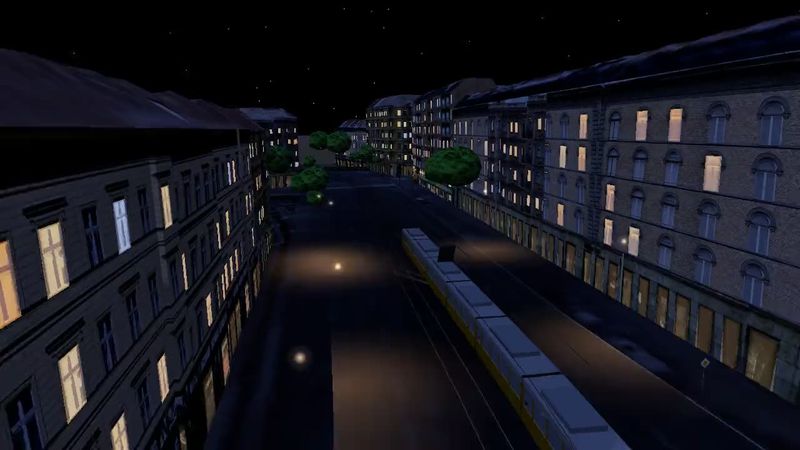
The streets are Budapest’s own, with their lanes, traffic lights and trams, and the cars around you stop for you. More about the cars, the fuel and the driving test is on the driving page.
The phone, people and menus — headset on
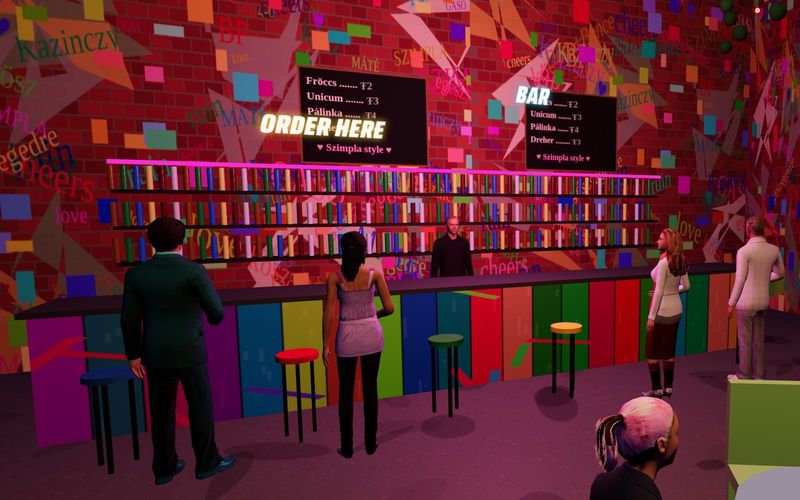
Press X and your phone floats in front of you. Point at it with the right controller: the trigger taps, the right stick scrolls. Write on Coupler and in Messenger with the headset’s own keyboard or the game’s (English, Hungarian and Russian letters, symbols and emoji). Y speaks to whoever stands in front of you, and you type your answers the same way; with nobody near, Y opens the chat with your friends.
A job offer, a shop or a flat for sale appears on a sheet in front of you: the stick picks a button, A or the trigger presses it, B closes it. Hold B and the menu opens right there in VR — settings, feedback, a bug report. The first few times, labels over your hands say what each button does at that moment, on foot, at the wheel or at a screen; Menu → VR controls brings them back. Even the deathmatch works in the headset, with its own controls card.
What it is — and what it isn’t
It’s a web page, not an app from the Meta Store: there’s no store listing, no download and nothing to update by hand. It’s made and tested on the Quest 3 and 3S; other headsets with a WebXR browser may run it, but we haven’t tried them all. You play with the two controllers — hand tracking isn’t how this game is played. Turning goes in 30° steps rather than a smooth spin, which most people find easier on the stomach. Your friends on phones and computers see you in the same streets, and your head turns where you really look.
Be ready for graphics simpler than a big native VR title: this is a whole neighbourhood of Pest streamed into a browser. The game is in early access and changes every week. It’s free and for players aged 12 and older; the money in it, the tantusz (Ŧ), is earned by playing and has no real-world value.

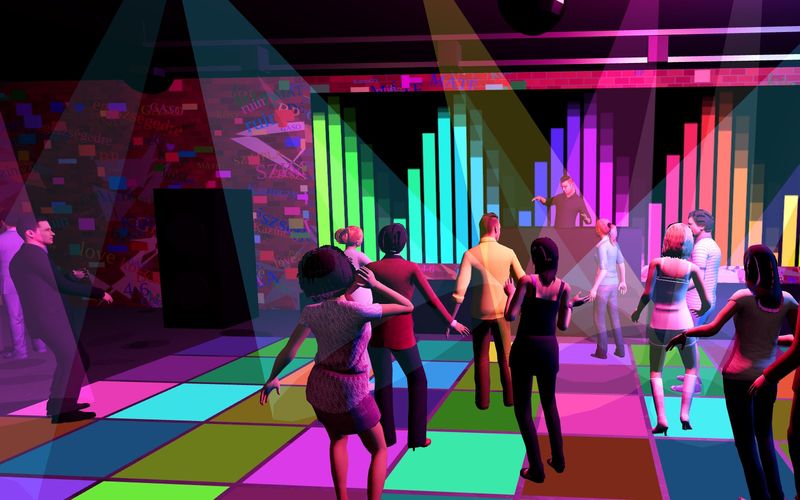
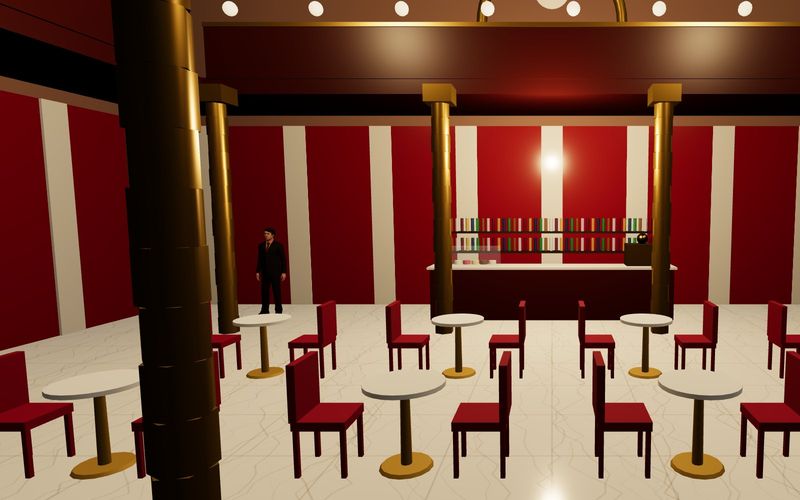
Screenshots from the game
Play on any screen
Nothing to install. Open the page and you’re in.
Keyboard & mouse
- WASD walk · Shift run
- F get in, talk, go inside
- The mouse looks around
- M map · R radio in the car
Phone
- Left thumb walks or steers
- Right thumb looks around
- Big buttons for everything else, and your in-game phone always at hand
- Upright or sideways — and add the game to your home screen
VR headset
- Open negyhatos.com in the Meta Quest browser and press Play
- The sticks walk and turn
- Swing your fists for real
- Grab the wheel with both hands and drive
Questions
Is it really free on Meta Quest?
Yes. You don’t buy anything in the store, and nothing in the game is sold for real money. The game’s currency, the tantusz (Ŧ), is earned by playing.
Which headsets does it work on?
It’s made for the Meta Quest 3 and 3S and played in the Quest’s built-in browser. A headset whose browser supports WebXR may work too, but we haven’t tested every model, so treat that as a try, not a promise.
How do I sign in inside the headset?
With Google, or more easily with a code: on a phone where you’re already signed in, open Menu → Your sign-in QR, then in the headset choose “Sign in with a code from your other device” and type the six letters. Your progress, money and friends are the same on every device.
Can I play with friends who don’t have VR?
Yes. Friends on phones and computers meet you in the same city; they see you and the way you look about. More on playing together is on the page about friends.
Is it comfortable for someone new to VR?
Turning goes in 30° steps instead of a smooth spin, in a car you sit in the driver’s seat, and walking in your room moves you naturally. Everyone is different, though: start with short sessions and take a break if you feel unwell.
More questions are answered on the main page.